Overview
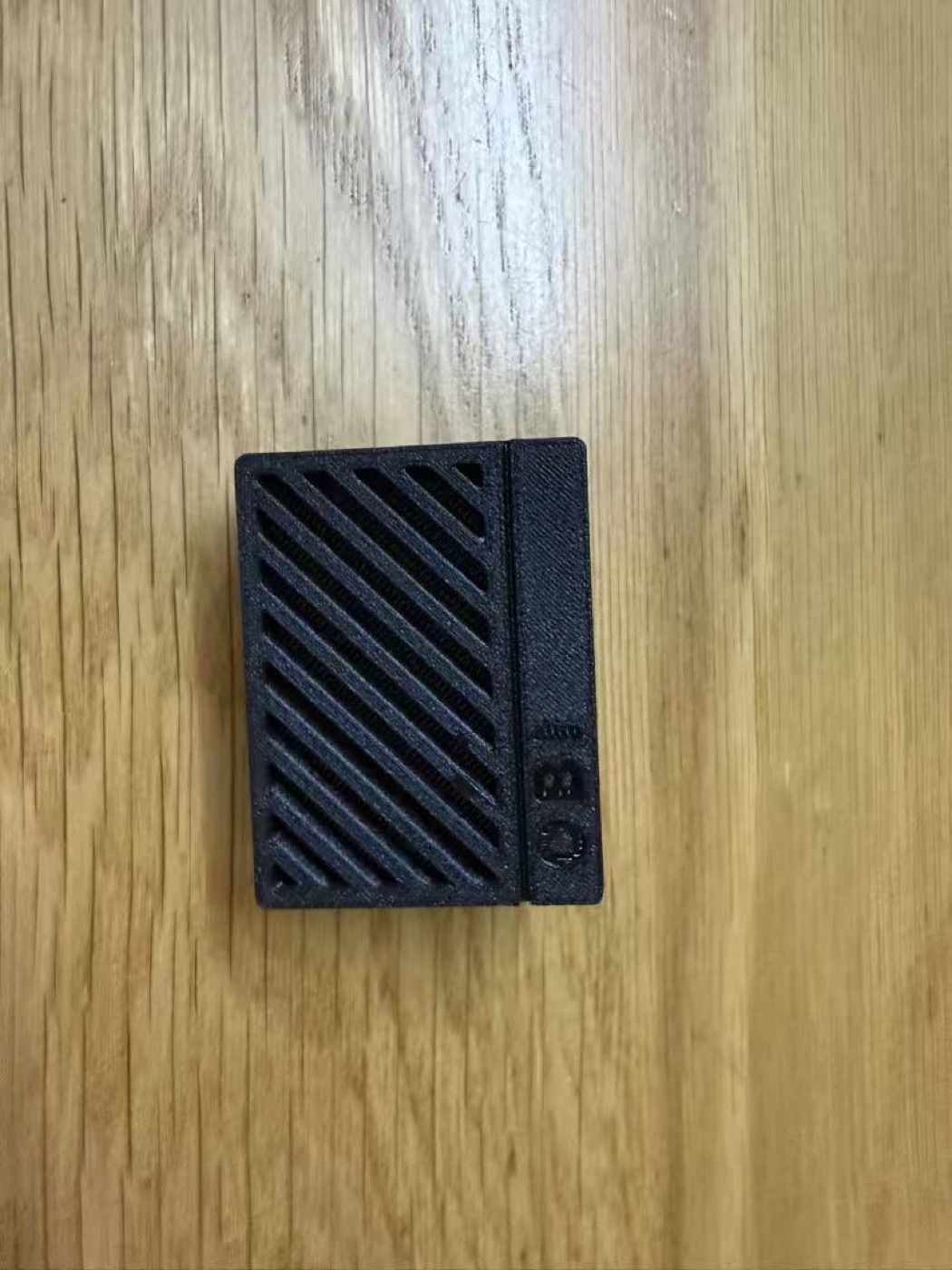
Battery OBI Web Kit is a compact USB-C powered diagnostic and repair support tool for selected genuine Makita LXT battery packs. It creates a local Wi-Fi web interface so a phone or computer can review key battery information without installing an app.
The current Web Kit supports selected Makita 18V LXT battery packs from 1Ah to 6Ah and adds support for selected 14.4V battery packs.
Diagnostic Data
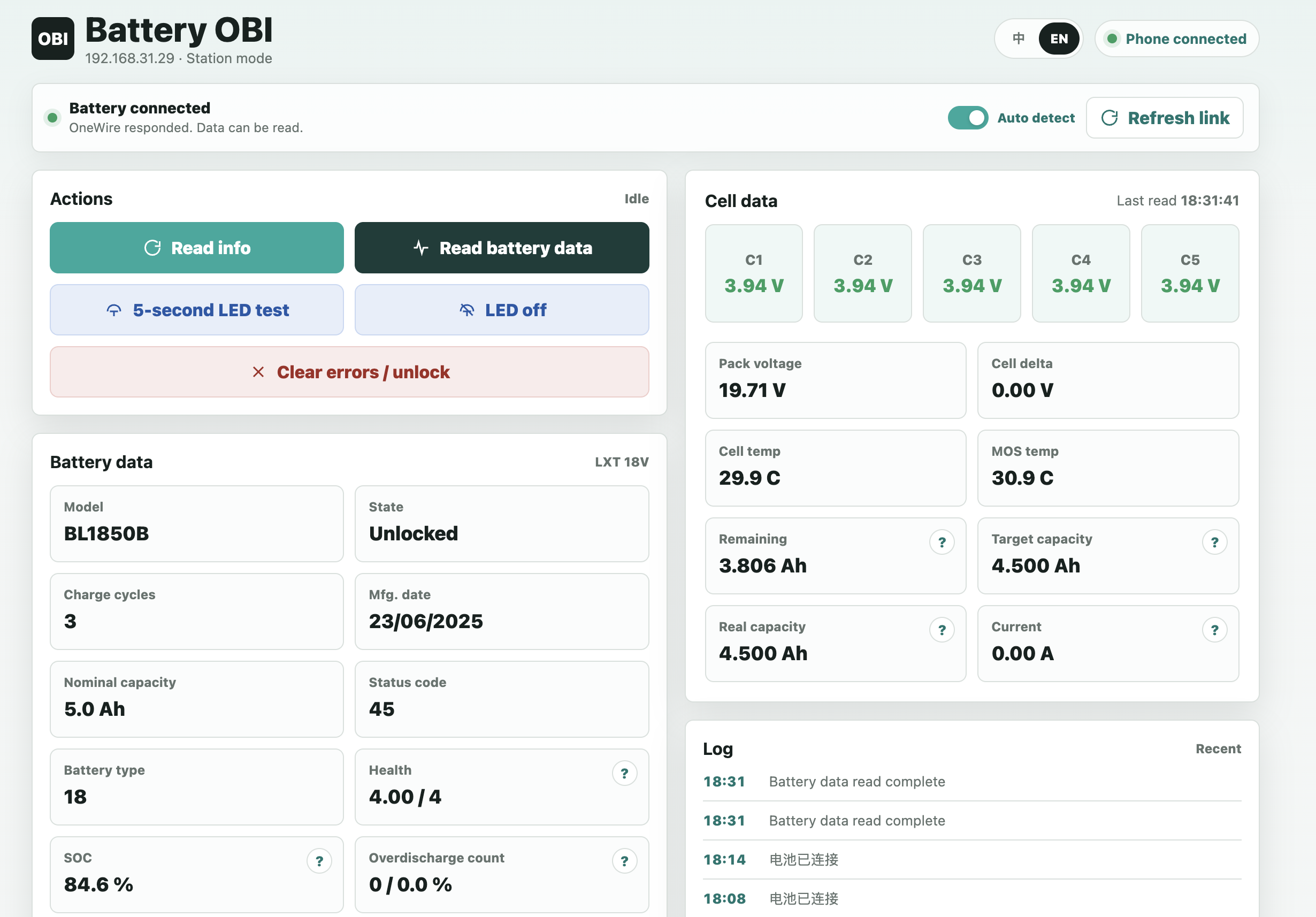
After a battery is connected, the web interface can read key pack information used for inspection and maintenance decisions.
- Model, nominal capacity, charge cycle count, manufacturing date, battery type, ROM ID, status, and status codes
- Total pack voltage, valid cell voltages, cell delta, cell temperatures, and MOS temperature where available
- 18V BL18 packs display C1-C5; 14.4V BL14 packs display C1-C4; supported Type 6 packs can display C1-C10
- Data helps identify pack health, over-discharge, cell imbalance, abnormal protection status, or lock conditions
Main Features
- Browser-based operation from a phone or computer
- Direct connection to the device Wi-Fi hotspot, with optional Station mode through a 2.4GHz router
- Separate static information and live voltage data views
- Battery LED indicator test
- Guarded clear-error/reset support on compatible packs, with confirmation before execution
- Web OTA firmware update support with firmware validation and startup self-test
- ABS engineering-plastic enclosure and independent Wi-Fi antenna for a more stable wireless connection
Before Use
This device is a battery diagnostic and repair support tool, not a universal battery repair device. Some battery designs may support diagnostic reads only and may not support clear-error, reset, or unlock operations.
- Before any reset operation, check cell voltage, tabs, protection board, connector contact, and the overall pack condition.
- If cells are damaged, cell delta is excessive, tabs are broken, or the protection board itself has failed, the pack may enter protection again after reset.
- Do not operate while battery contacts or the fixture connection are unstable.
- Do not use on swollen, leaking, overheated, burnt, or physically damaged packs.
- Do not disconnect power during firmware upload or update.
Basic Operation
- Connect a USB-C cable to power the Web Kit.
- On a phone or tablet, join the device Wi-Fi hotspot Battery-OBI-XXXX. The default password is 12345678.
- Open http://192.168.4.1 in the browser. After the web page is loaded, insert the tool into the battery pack and operate from the page.
Disclaimer
This is an independent repair support tool.
Makita is a trademark of its respective owner. This product is not manufactured, sponsored, approved, or endorsed by Makita.
The name “Makita” is used only to indicate compatibility with selected Makita 18V LXT and 14.4V battery packs.
This device is intended only for original battery repair diagnostics. It does not modify battery capacity, model, cycle count, or identity data, and it is not intended for any unlawful use.
Clear-error, reset, or unlock-assist actions do not repair physical battery damage, aged or unbalanced cells, broken tabs, corrosion, protection-board faults, or other hardware defects. These actions only assist with supported protection-state handling on compatible packs.
If a battery is used again while its underlying condition has not been properly inspected or is not safe for use, the battery may re-enter protection, suffer permanent damage, damage a tool or charger, overheat, smoke, catch fire, or cause other consequential losses. The user is responsible for assessing the battery condition and accepting the risks of continued use.