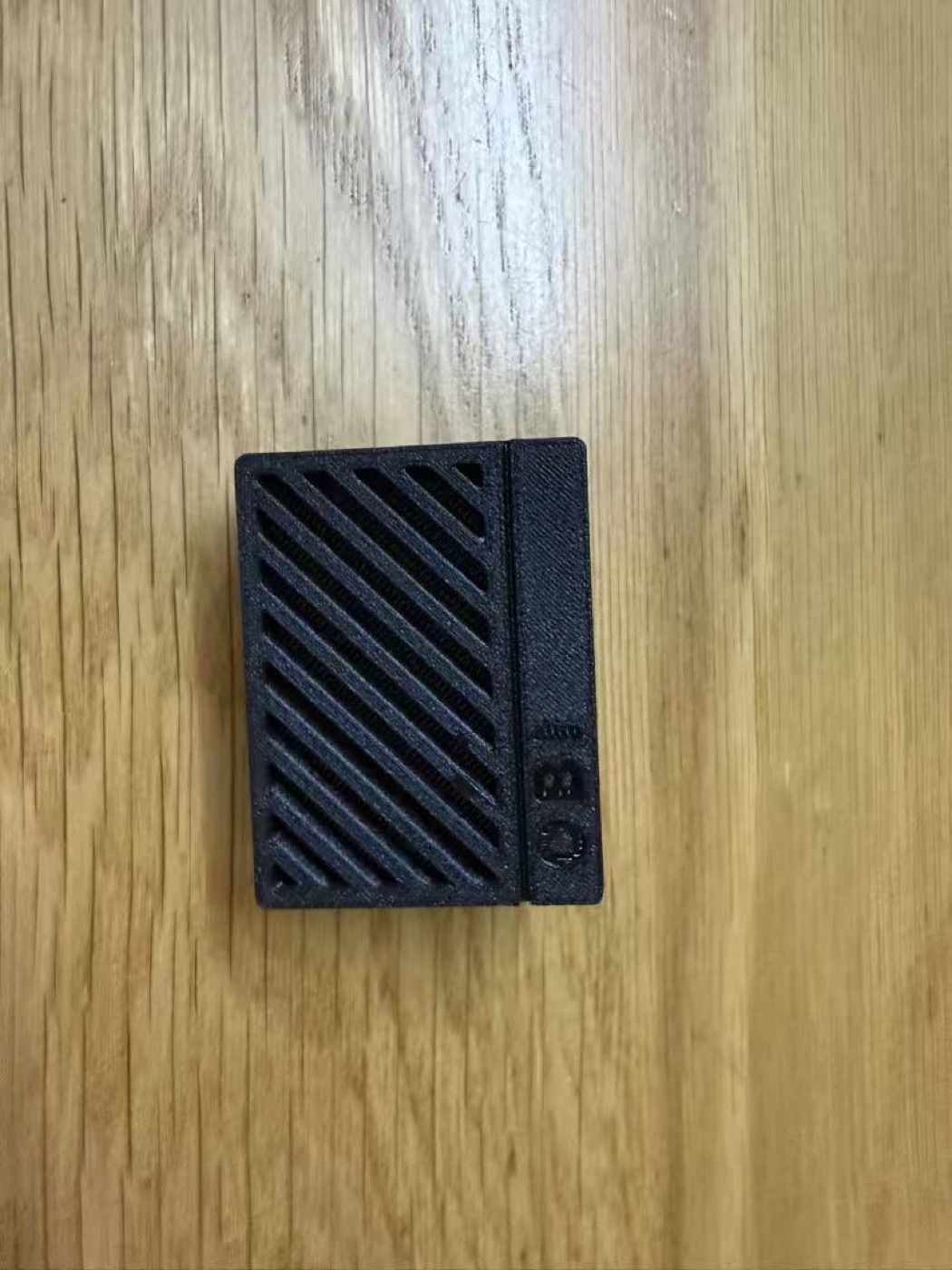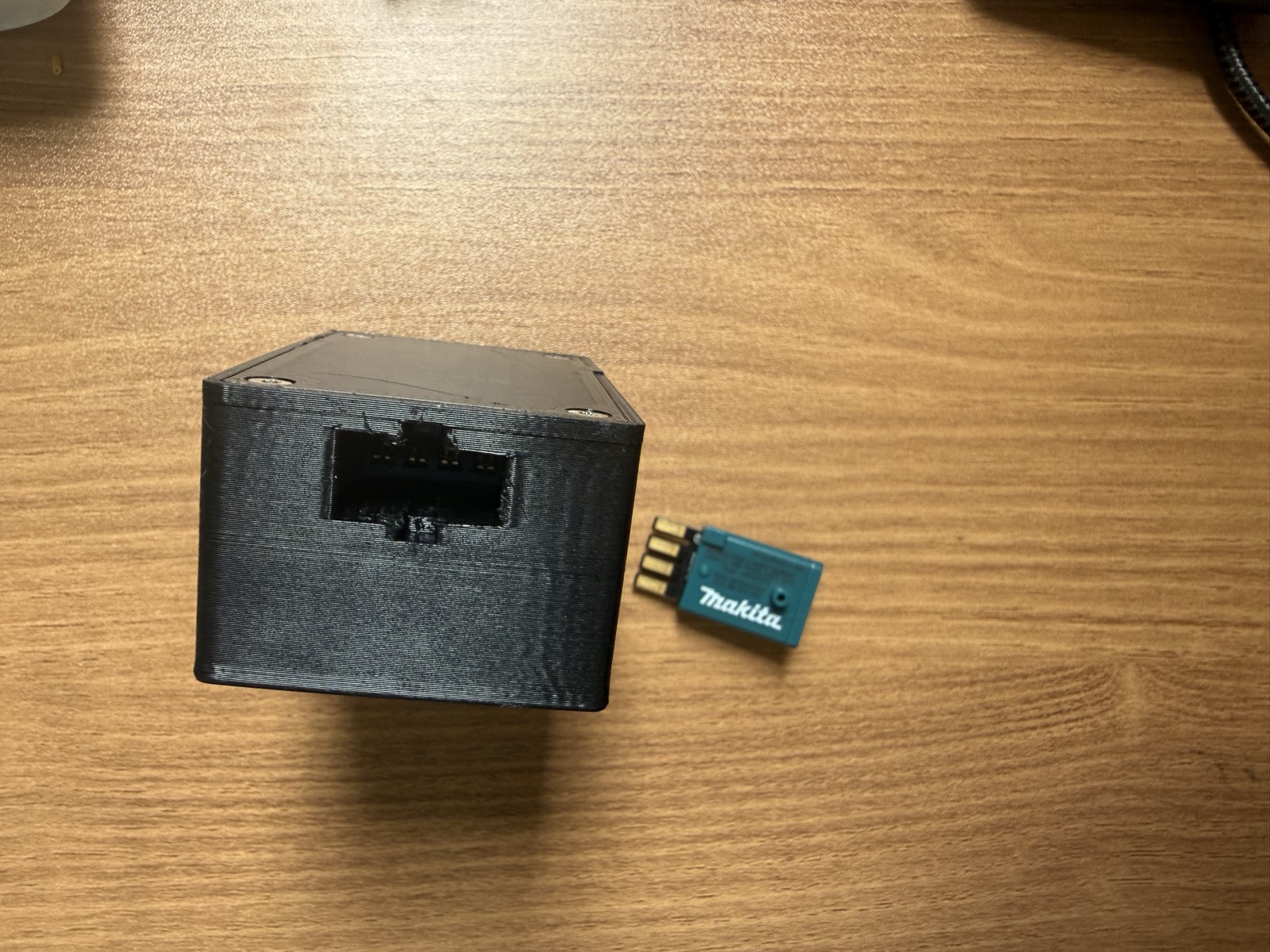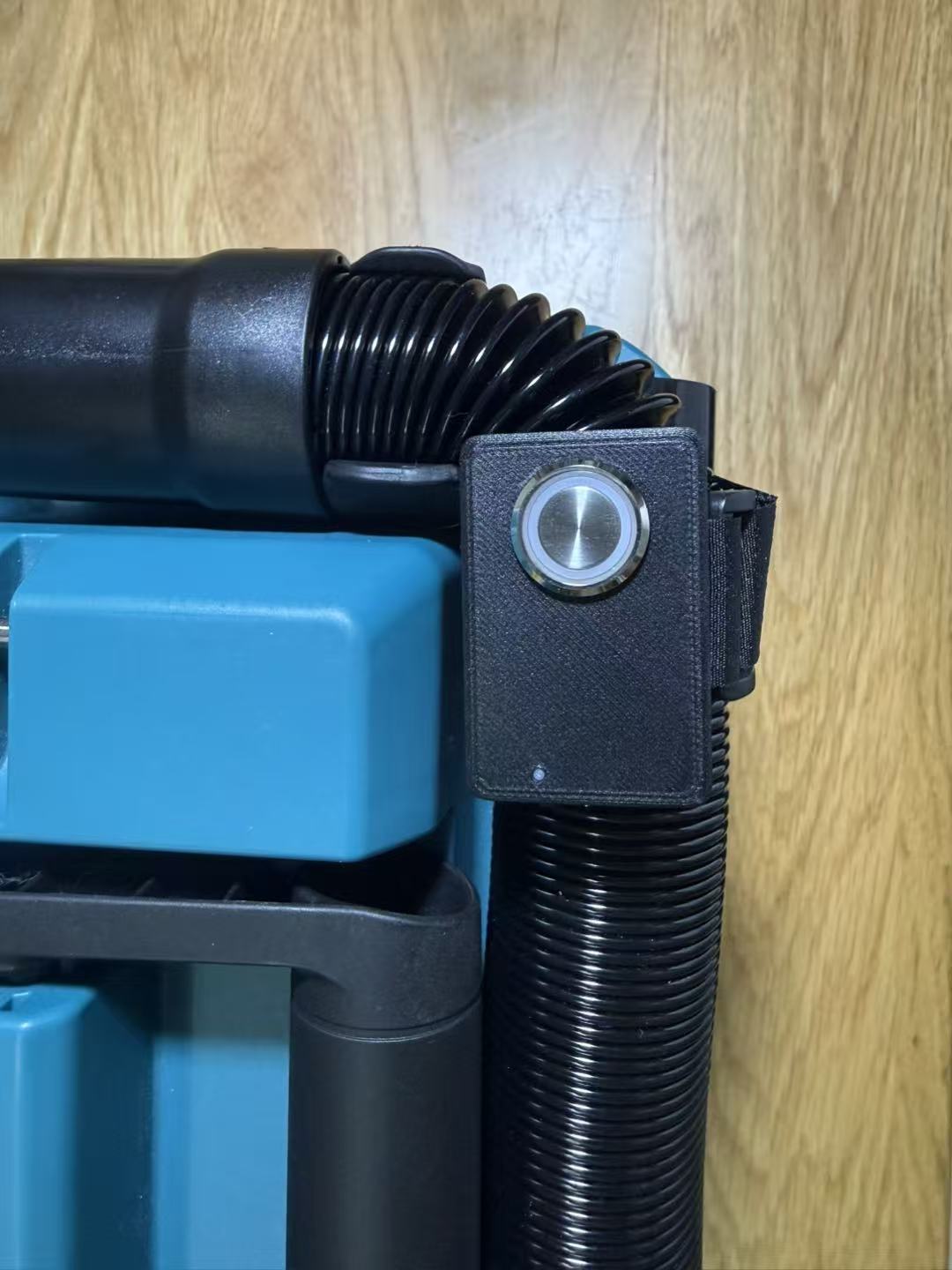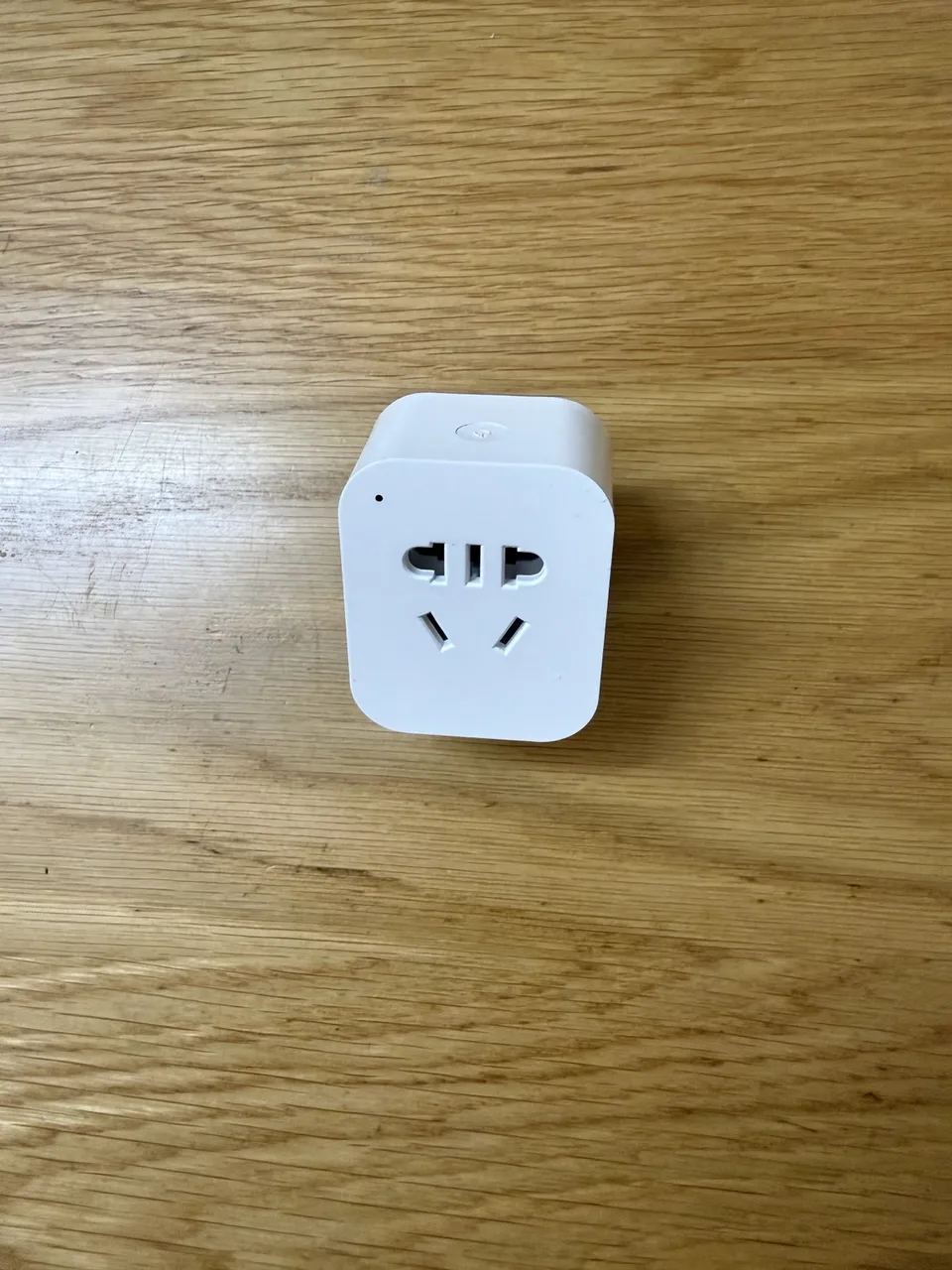
Makita AWS Compatible Smart Socket
The Makita AWS Compatible Smart Socket is an independently developed wireless automation device designed for compatible Makita AWS Bluetooth-enabled tools.
When a paired tool starts, the socket automatically powers on connected equipment such as dust extractors and vacuum cleaners. When the tool stops, the socket automatically switches off after the wireless trigger signal ends.
Designed for woodworking workshops, DIY environments, and professional tool automation applications.
No additional remote controller is required.
Key Features
Wireless Tool-Triggered Automation
After pairing with a compatible Makita AWS tool:
- Tool starts → Socket turns ON automatically
- Tool stops → Socket turns OFF automatically
The socket supports multiple paired tools.
Each paired tool can be managed and named through the built-in web interface.
Multiple Tool Pairing
One socket can work with multiple compatible Makita AWS tools.
Suitable for:
- Angle grinders
- Circular saws
- Routers
- Drills
- Sanders
- Other compatible AWS tools
Smart Web Control
The built-in web interface allows direct control from smartphones, tablets, and computers.
No mobile application or cloud service is required.
- Manual ON/OFF control
- Tool pairing management
- Remove paired tools
- Wi-Fi configuration
- Firmware updates
- System settings
Power Monitoring & Protection
Built-in monitoring provides real-time electrical information:
- Voltage
- Current
- Power consumption
- Energy usage
Protection features:
- Over-power protection
- Over-current protection
- Abnormal measurement protection
Typical Applications
- Automatic dust extractor control
- Woodworking workshops
- DIY workspaces
- Professional workshops
- Tool automation projects
Simple Setup Guide
Wi-Fi Connection
For first-time setup:
- Power on the socket.
- Connect your phone or computer to the socket Wi-Fi network.
- Open the setup page in your browser.
- Configure your home Wi-Fi network.
Default Wi-Fi:
SSID:
Socket-XXXXXX
Password:
12345678
Setup Page:
http://192.168.4.1/
Button & LED Status Guide
| Operation | Function | LED Status |
|---|---|---|
| Single click | Manual ON/OFF | Solid ON: Power output ON |
| Double click | Enter pairing mode | Fast flashing: Pairing mode |
| Triple click | Remove paired tool | Three flashes repeatedly: Removing paired tool |
| Five clicks | Clear all paired tools | Multiple flashes: Operation successful |
| Hold 5 seconds | Enable Wi-Fi setup mode | Double flash: Wi-Fi enabled |
| Hold 15 seconds | Factory reset | Fast flashing: Reset process |
| No button operation | Paired tools available, output OFF | Slow flash every 2 seconds |
| No paired tools | Waiting for tool pairing | Slow flashing |
Specifications
| Item | Specification |
|---|---|
| Compatibility | Makita AWS compatible tools |
| Wireless Communication | Bluetooth Low Energy (BLE) |
| Network | Wi-Fi |
| Control Methods | Automatic / Manual / Web |
| Maximum Power | 2200W |
| Maximum Current | 10A |
Package Contents
- Makita AWS Compatible Smart Socket ×1
Important Safety Notice
This product is an automatic power control device. Automatic switching may cause connected equipment to start unexpectedly.
Do NOT use this socket with high-risk equipment where accidental activation may cause personal injury.
This socket must NOT be used with:
- Circular saws
- Table saws
- Planers
- Routers
- Cutting machines
- Other dangerous machinery
Accidental activation of dangerous equipment may result in serious injury or property damage.
The recommended connected load should not exceed 2000W.
Disclaimer & Legal Notice
This product is an independently developed third-party accessory designed for compatible Makita AWS tools.
This product is not manufactured, authorized, certified, or endorsed by Makita Corporation or any of its affiliates.
Makita® and AWS® are trademarks of their respective owners.
Compatibility is based on independent development and testing.
Due to differences between:
- Tool models
- Firmware versions
- Regional versions
- Future product updates
Full compatibility with every Makita AWS device cannot be guaranteed.
The buyer/user is responsible for:
- Correct installation
- Safe operation
- Selecting suitable connected equipment
- Following local electrical regulations
CustomBenchTools shall not be responsible for:
- Damage caused by improper installation
- Unauthorized modification
- Electrical overload
- Misuse
- Damage to connected equipment
- Compatibility issues
- Personal injury caused by improper use
By purchasing and using this product, the user acknowledges and accepts these terms.
Common questions
Does this socket work with every Makita AWS tool?
It is designed for Makita AWS compatible Bluetooth tools, but full compatibility with every model, firmware, regional version, or future update cannot be guaranteed.
Does it need a mobile app or cloud service?
No. Setup and control run through the built-in local web interface over Wi-Fi.
Can it be used with saws or other high-risk machinery?
No. Do not use this automatic power control socket with high-risk equipment where unexpected startup could cause injury.