How to Buy
If you can use Taobao, you may purchase directly through the link below.
Taobao purchase link https://item.taobao.com/item.htm?id=1083386787998
If Taobao is not available in your region, please click “Ask about this product” to discuss other purchase options.
Overview
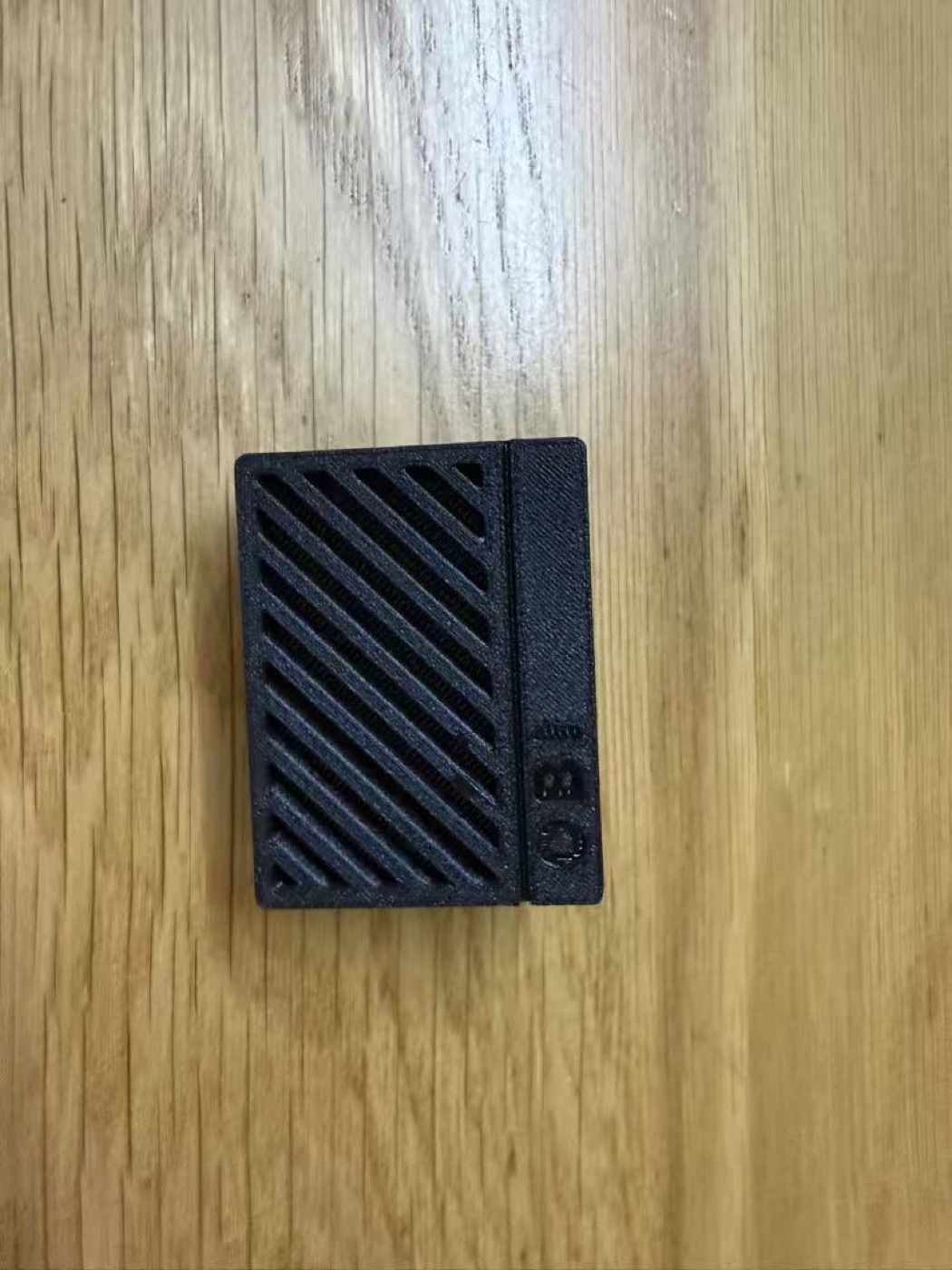
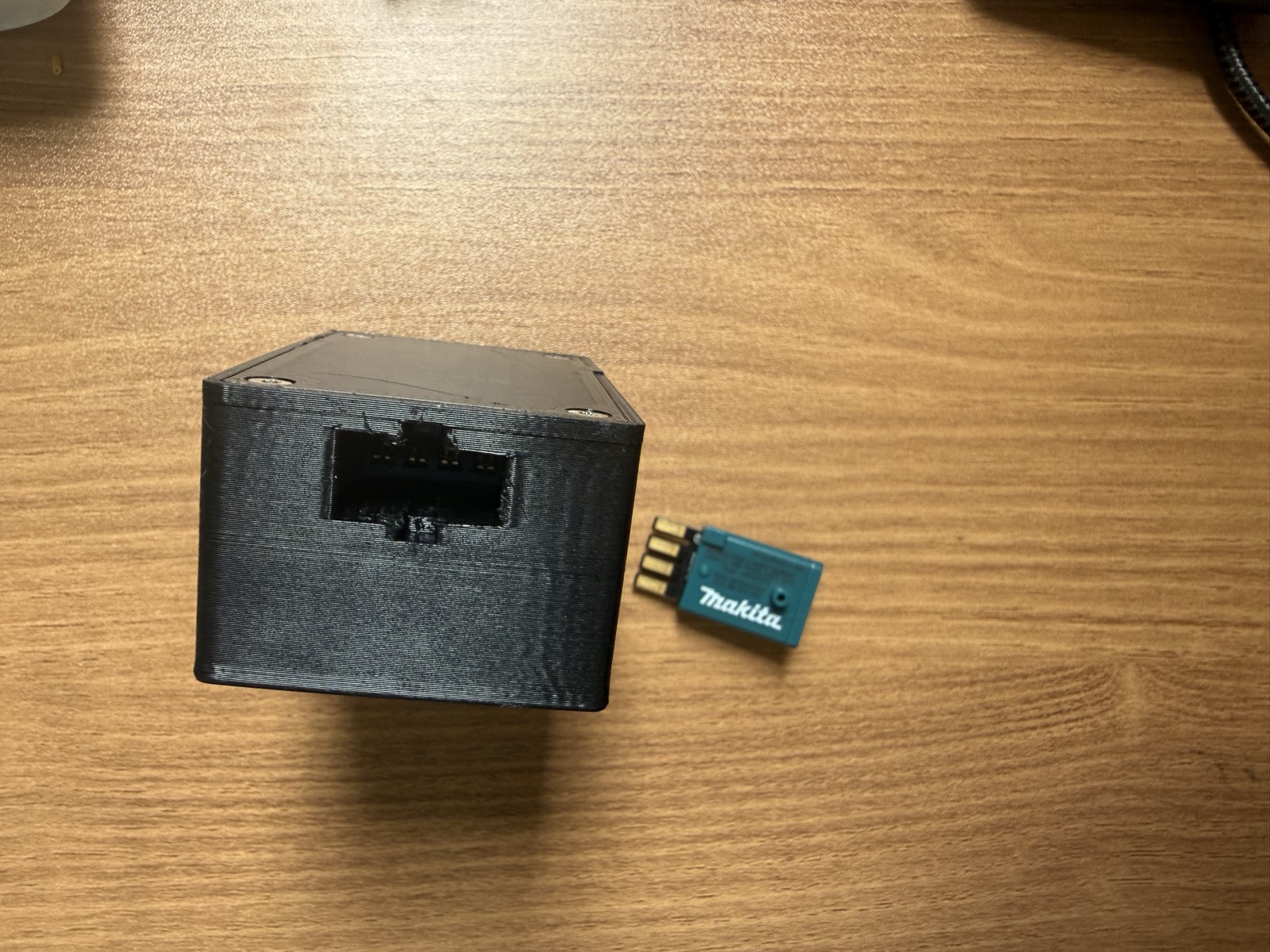
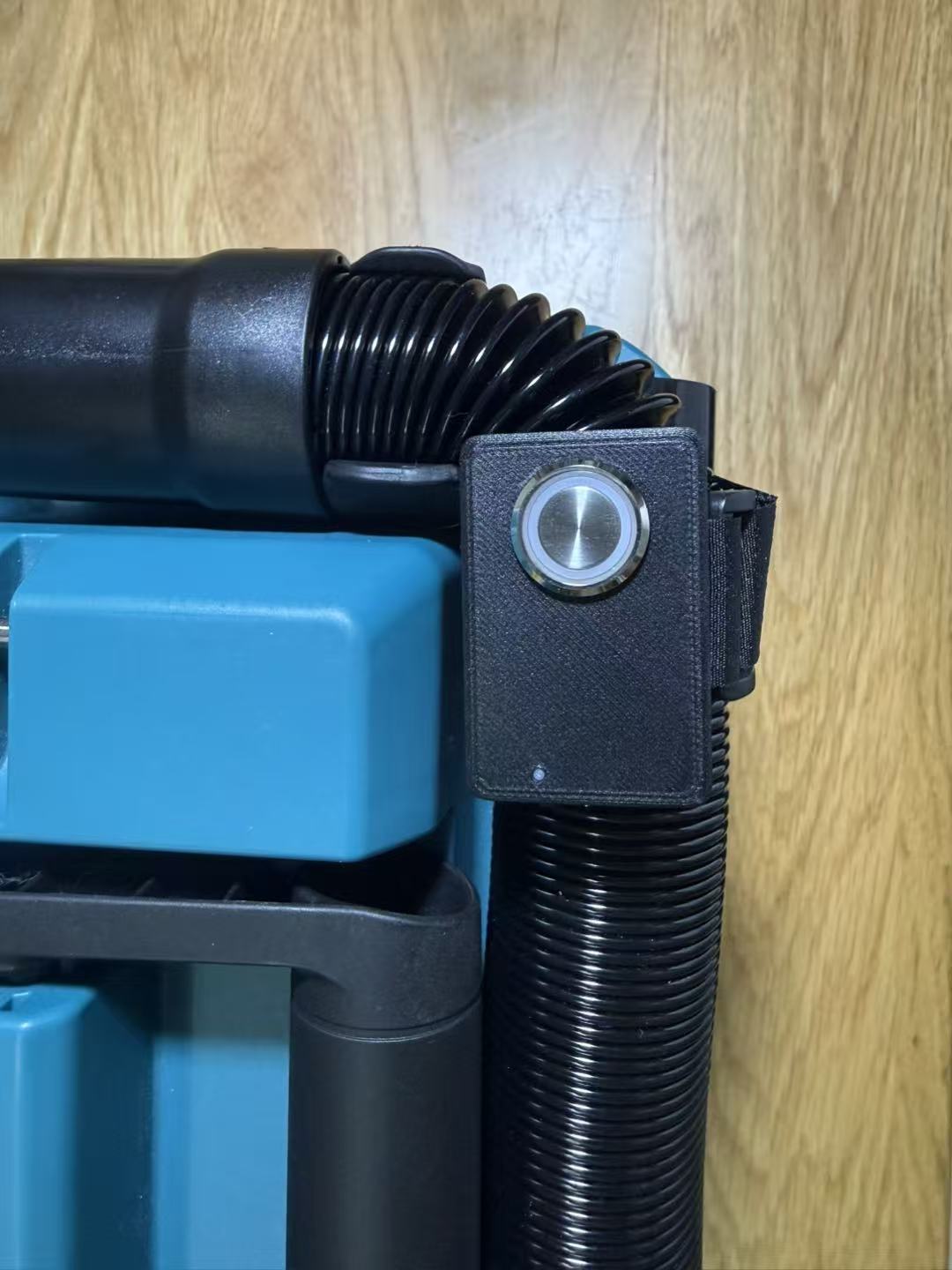
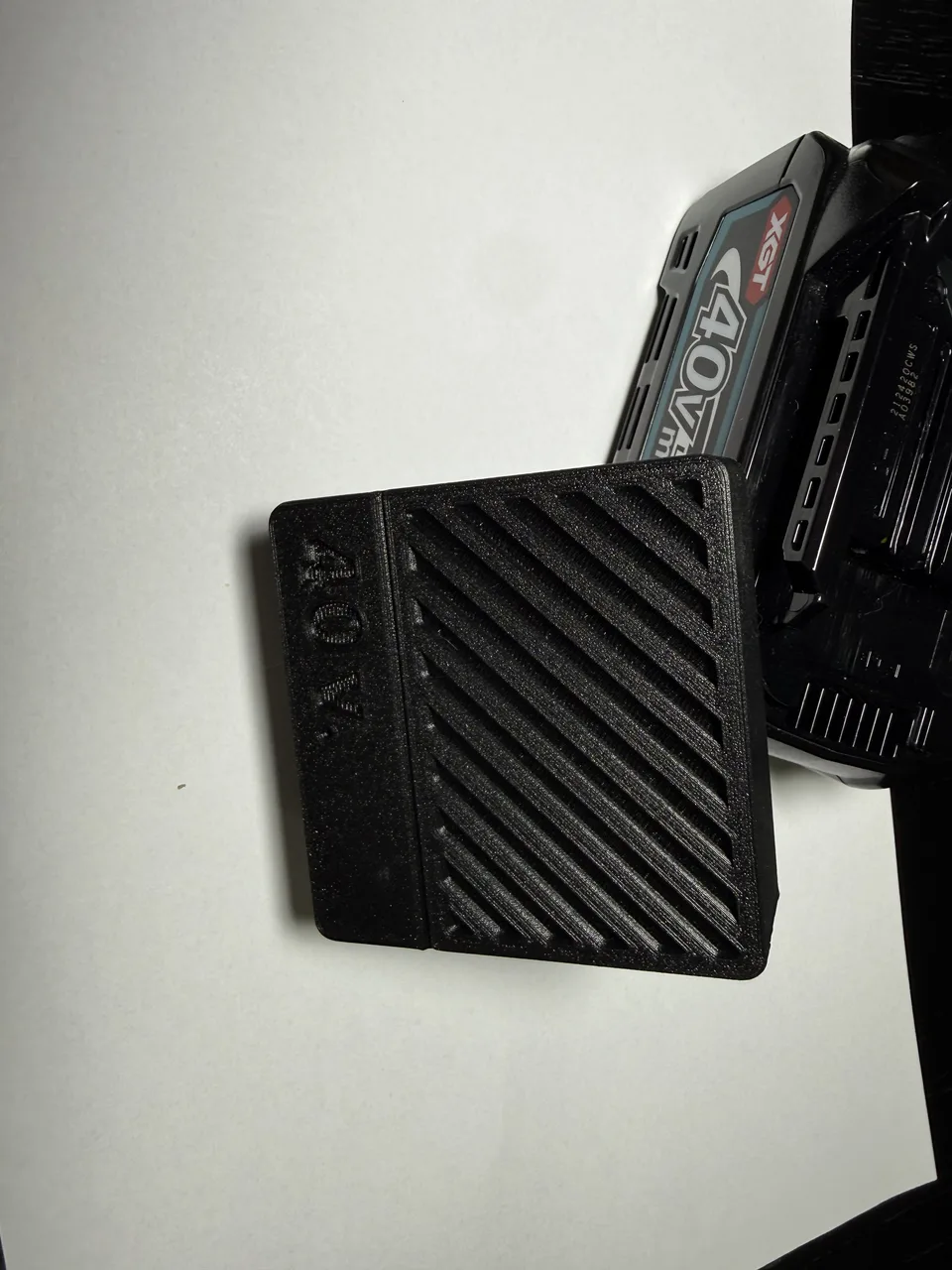
Battery 40V Diagnostic Tool is designed for inspection and repair support on selected genuine Makita XGT 40V battery packs. It helps technicians and experienced users review important battery information, compare cell voltages, inspect temperature and usage history, identify abnormal conditions, and perform guarded reset assistance where compatible.
Two versions are available from this product page. Select the version that best suits your working method.
Choose Your Version
Basic Web Version
- Operated from a phone, tablet or computer browser
- Creates a local Wi-Fi webpage; no mobile app is required
- Larger browser display is convenient for detailed readings and history charts
- Suitable for occasional testing, mobile work and users who already work from a phone or computer
Touchscreen Version
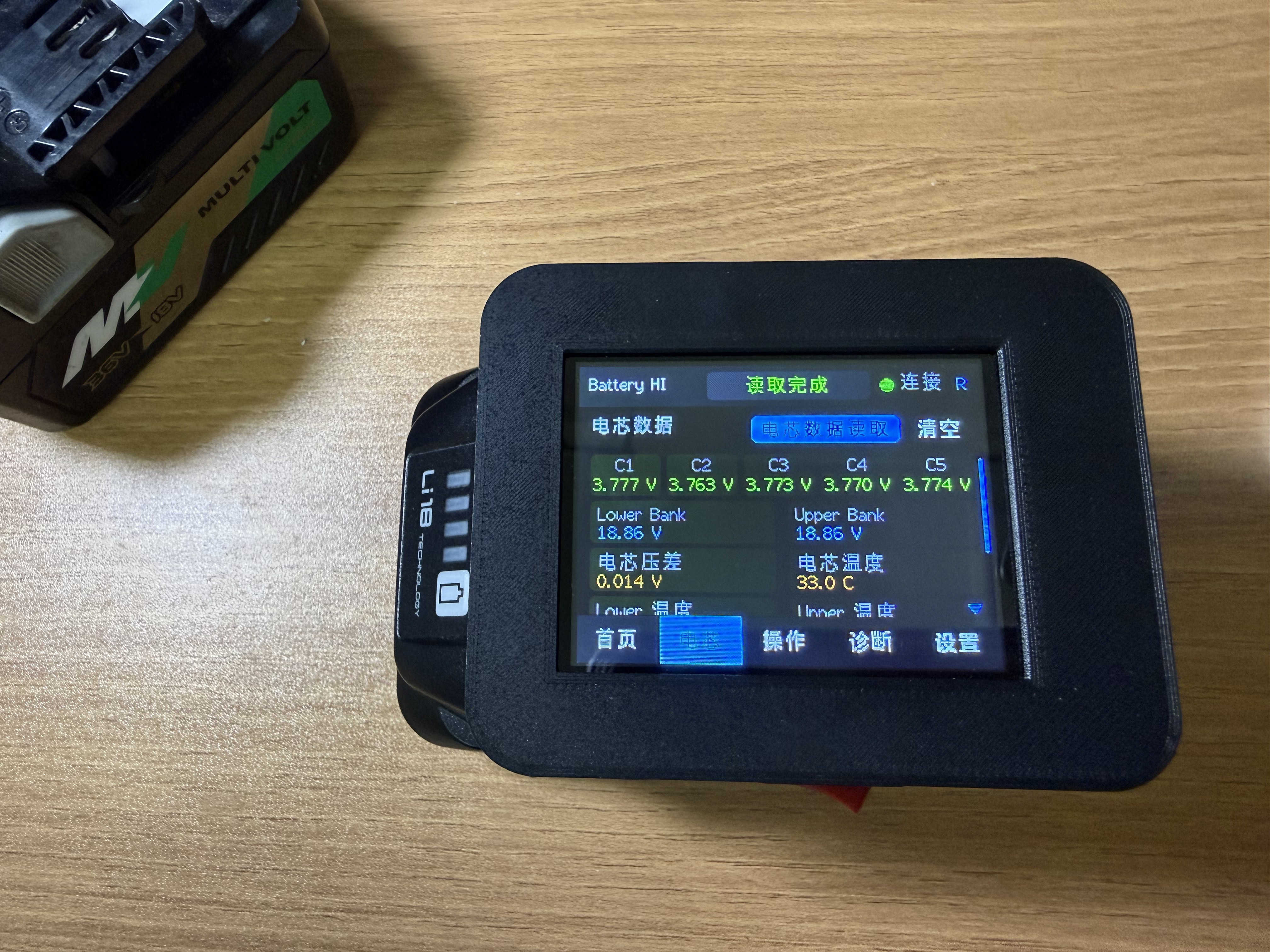
- Built-in color touchscreen for direct operation
- View battery information, cell voltages and history without first connecting a phone
- Includes the same complete Wi-Fi web interface as the Basic Web Version
- Suitable for bench work, repeated inspections and faster standalone operation
Battery Information
Depending on the battery model and condition, the tool can display:
- Battery model and identification information
- Charge cycle count
- Battery health and remaining charge
- Lock status
- Total pack voltage
- Individual cell voltages for up to 10 cells
- Cell-voltage difference, highest cell and lowest cell
- Battery temperature data
- Current and temperature history distributions
Main Features
- Automatic battery connection detection
- Separate battery information, live readings and history views
- English, Simplified Chinese and Traditional Chinese interface
- Local operation without a cloud account
- Optional connection through a 2.4 GHz local Wi-Fi network
- Guarded clear-error / Factory Reset assistance on compatible batteries
- Confirmation is required before a reset command is sent
- Product software can be updated through the web interface
- Built-in communication records assist with troubleshooting
Basic Operation
For the Basic Web Version, power on the tool, connect a phone, tablet or computer to its Wi-Fi network, open the local webpage, and then connect the battery pack.
For the Touchscreen Version, power on the tool and operate directly from the built-in display. The Wi-Fi web interface remains available whenever a phone or computer is preferred.
Important Safety Information
This product is a diagnostic and repair-support tool, not a universal battery repair or unlock device. Clear-error or Factory Reset assistance is available only on compatible batteries.
Before a reset operation, inspect the cell voltages, cell balance, tabs, contacts, protection board and overall battery condition. Resetting a protection state does not repair aged or damaged cells, broken tabs, corrosion, failed electronics, overheating, swelling, leakage or other physical faults.
Do not use this product with swollen, leaking, overheated, burnt or physically damaged batteries. Do not operate it while the battery or connector contact is unstable. The user is responsible for assessing battery condition and deciding whether continued use is safe.
Disclaimer
This is an independent CustomBenchTools repair-support product. Makita is a trademark of its respective owner. This product is not manufactured, sponsored, approved, endorsed or authorized by Makita. The Makita name is used only to describe compatibility with selected battery packs.
Common questions
Which batteries are supported?
The tool is intended for selected genuine Makita XGT 40V battery packs. Available data and reset support can vary by battery model and condition. Confirm compatibility before purchase if you have a specific battery model.
What is the difference between the two versions?
The Basic Web Version is operated from a phone, tablet or computer. The Touchscreen Version adds a built-in display for direct operation and also retains the full web interface.
Does the Basic Web Version need a mobile app?
No. It uses a local webpage opened in a phone, tablet or computer browser.
Can the Touchscreen Version also be used from a phone or computer?
Yes. The Touchscreen Version includes the same complete Wi-Fi web interface.
What battery data can it read?
Depending on the battery, it can display model information, cycle count, health, charge, lock status, pack voltage, individual cell voltages, temperatures, and current or temperature history.
Can it unlock or reset every Makita XGT battery?
No. Reset assistance works only on compatible batteries and cannot guarantee that a battery will return to service.
Can it repair damaged cells or protection boards?
No. Physical battery faults must be inspected and repaired separately by a qualified person.
Is this an official Makita product?
No. It is an independent CustomBenchTools product. Makita is referenced only to describe compatibility.